Google review and Business Profile management: Answer every Google review. Keep your profile right.
Reviews for every location land in TablePort beside the bookings behind them. Our team keeps your hours, photos and links current on Google.
30 days free. Nothing is posted to Google until a person on your team presses send.
Every review answered, before close.
Google tells TablePort the moment a review is posted. The bad ones reach a manager that evening, with a draft waiting.

Low ratings reach a manager the same evening
New 1 to 3 star reviews email the owners and managers you choose, with the place, the rating and what the guest said.
A draft in your voice, ready to edit
TablePort drafts a reply from the review and the likely visit behind it. Names, emails and phone numbers are removed before the AI sees anything.
Reply, edit or delete from TablePort
Every location in one inbox, filtered by place, rating or still waiting. A person always presses send.
- 22:09
A guest posts on Google
Two stars for the Soho site, written on the way home.
- 22:09
TablePort hears from Google
Google notifies TablePort of the new review. A nightly check catches anything missed.
- 22:10
The right people are told
1 to 3 star reviews email the owners and managers you chose.
- 22:31
A person posts the reply
Draft, edit, send. TablePort records who replied and when Google published it.
Your Google profile, kept right by our team.
Guests check Google before they book. Tell us what changed and we update it for you, so nobody turns up to a locked door or an old menu.
Opening and holiday hours
Bank holidays, Christmas, a private hire night.
Photos
New dishes, the room, the terrace when it opens.
Booking, menu and order links
Pointing guests at your TablePort booking page and menu.
Description and details
Category, phone number, what makes the place yours.
How it works
- 1Add TablePort as a managerOne tick when you connect Google.
- 2Tell us what changedNew hours, new photos, a new menu link.
- 3We confirm when it is liveUpdated on Google, usually the same day.
From the open sign to the last reply, Google shows the night you actually ran.
 17:30Doors open. Hours on Google match the door.
 20:05Second sitting. The pass is full.
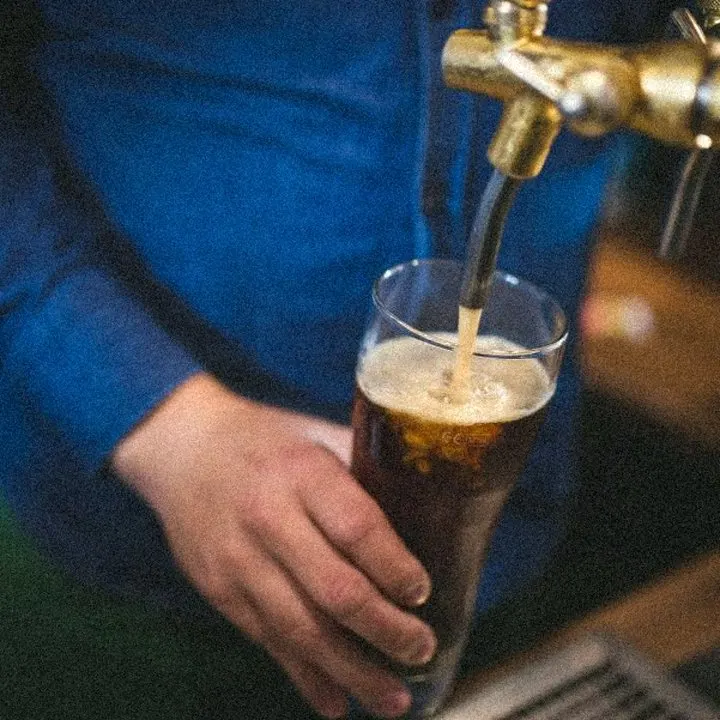 21:40Last orders at the bar.
 22:31Tonight's reviews, answered.
The details that make it safe to hand over.
You confirm every location
TablePort suggests which Google profile matches each of your sites from the name and address. Nothing is linked until you confirm. A profile belongs to one TablePort business only.
Guest details stay out of the AI
Reviewer names, guest names, emails and phone numbers are removed before a draft is written. The draft uses the rating, the review and a short summary of the visit.
Stays connected when staff change
With TablePort as a manager, reviews keep syncing if the person who connected Google leaves. Unlink a location or disconnect entirely, any time.
Setup fee
£0
Connecting your Google Business Profile is included. Month-to-month, cancel any time.
Days free
30
Connect Google and reply to your first review on day one.
Auto-posted replies
0
Every reply is written or approved by a person before it goes to Google.
What operators ask first.
Not here? Talk to us.
Your guests are already talking.
Answer them from TablePort.
30 days free, cancel any time. Connect Google, reply to your first review today and send us this month's hours.